AI (MCP) Connector Integration
Hubitat's MCP connector integration lets compatible local AI assistances access your hub
The built-in AI (MCP) Connector Integration app allows compatible local AI assistants to access your Hubitat hub,
Installing AI (MCP) Connector Integration
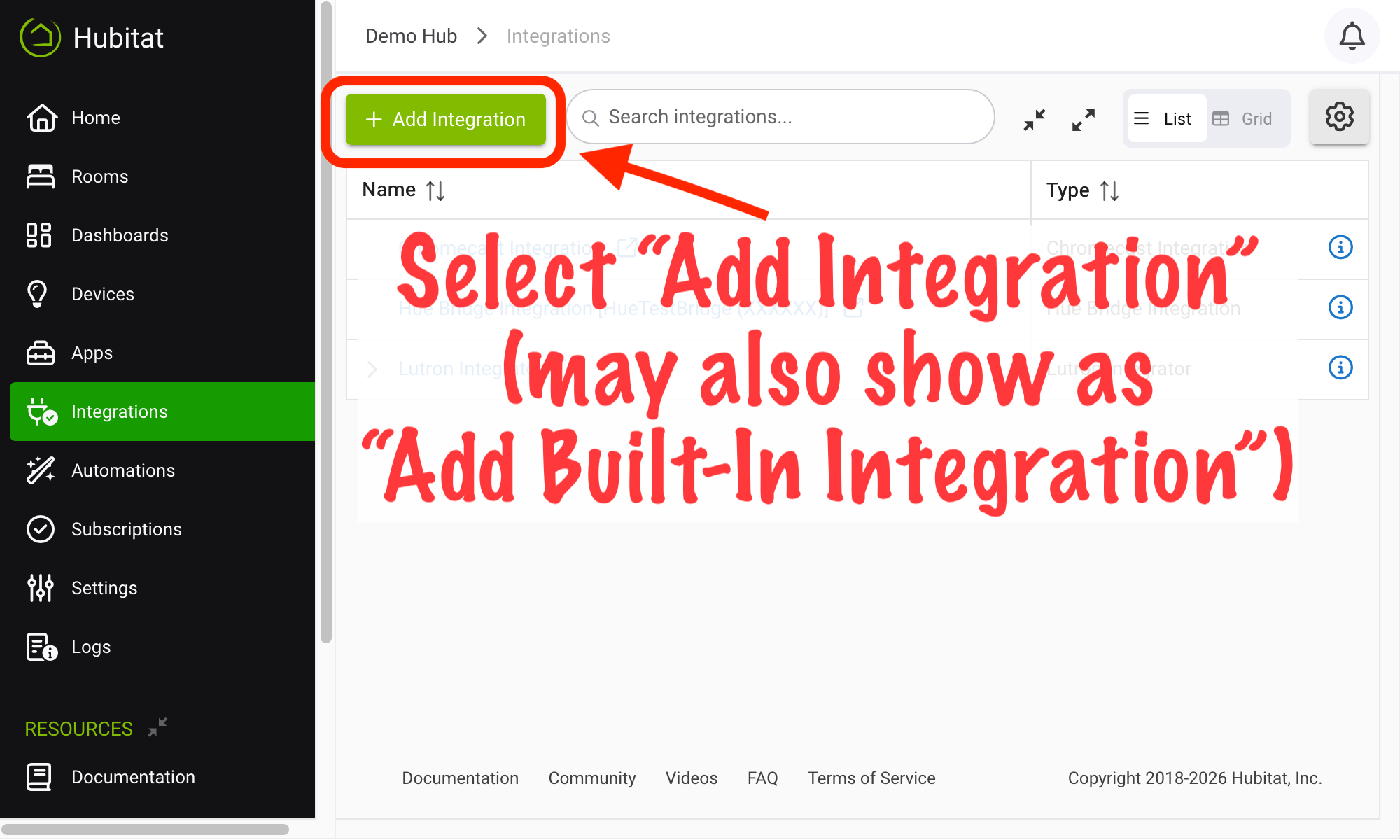
- From the sidebar of your hub, navigate to Integrations and select Add Integration or Add Built-In Integration:
- Select AI (MCP) Connector Integration from the list of built-in integration apps.
- If this is your first time using the app, you will see Integration is NOT running - enable at the top of the app. Select the enable link to start the integration.
Configuring AI (MCP) Connector Integration
The app UI will provide the information you need to connect to local AI agents (cloud agents are not supported at this time, but note that only the agent needs to be be accessible locally), including the local MCP server URL and configuration examples for common AI agents.
Part of this configuration includes a bearer token, which should be protected like a password, as it provides access to your hub. If you believe this has been compromised, use the reset authorization token link at the top of the app to generate a new token, which will require updating the configuration in your agent with the new data.