Shelly Wi-Fi Integration
The Shelly Wi-Fi Integration app helps integrate compatible Shelly Wi-Fi devices into your hub
Shelly Wi-Fi Integration
The built-in Shelly Wi-Fi Integration app allows you to add compatible Shelly Wi-Fi devices to your hub. This integration requires hub model C-8 Pro.
Installing the Shelly Wi-Fi Integration app
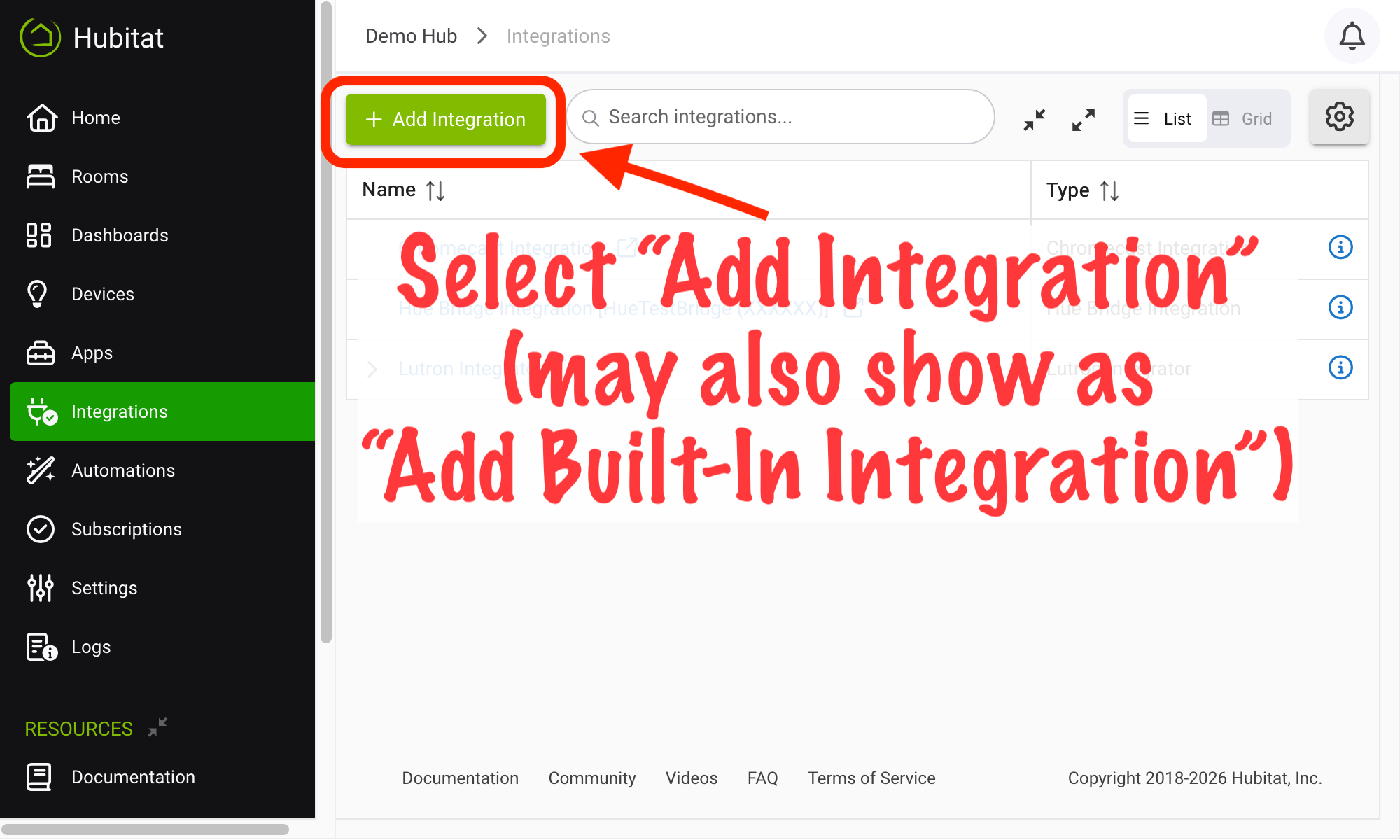
- From the sidebar of your hub, navigate to Integrations and select Add Integration or Add Built-In Integration:
- Select Shelly Wi-Fi Integration from the list of built-in apps.
- You will likely see Integration is NOT running at the top of the app page with an enable link beside it. If so, select enable, wait a few minutes, and proceed when the text changes to Integration is running.
- When you see Integration is running, you can proceed with following the prompts in the app to add Shelly devices.
Please note that this integration is currently in beta. If you continue to have problems, please visit https://community.hubitat.com for discussion.
You may also see a suggestion to add the Shelly Wi-Fi Integration app on the home page if compatible devices are detected in range of the hub. Adding the app either way will produce the same results.
Usage
The main page of the app will list discovered devices and add them to your hub if selected. Follow the prompts in the app.